Blog
The Ultimate Guide to ADHD Planners: Find Your Perfect System in 2025
“Out of sight, out of mind” — if you have ADHD, this phrase probably hits a little too close to home. Missed deadlines, forgotten appointments, and lost to-do lists aren’t signs of laziness or irresponsibility. They’re symptoms of how the ADHD brain processes and stores information differently.
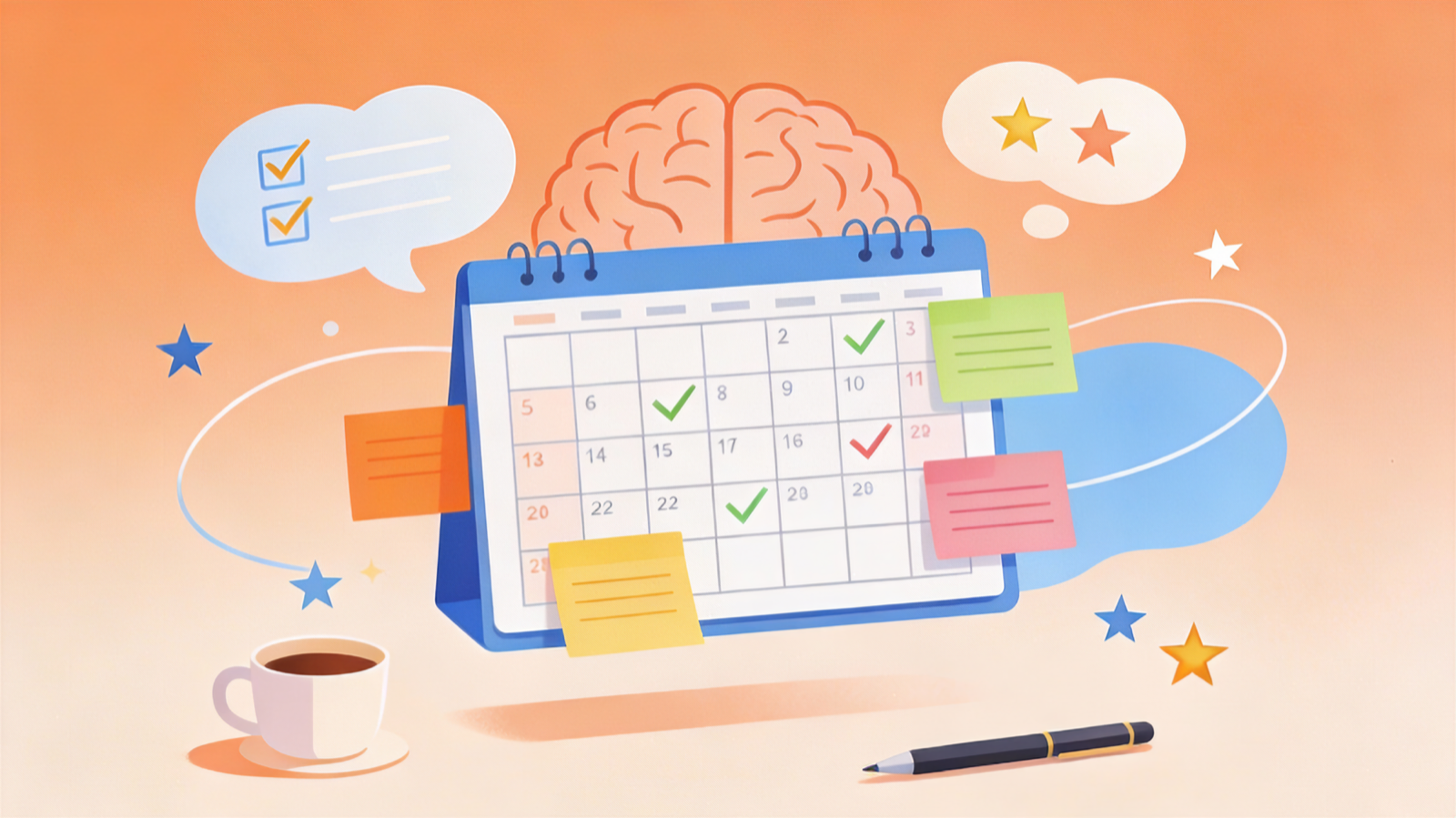
The good news? The right ADHD planner can serve as your “second brain,” helping you track, manage, and actually complete your daily tasks.
In this comprehensive guide, you’ll learn:
- Why regular planners fail ADHD brains (and what works instead)
- How to choose between physical and digital planners
- The must-have features for any ADHD-friendly planner
- How to create your own customized system
- Proven tips to actually stick with your planner
Whether you’re newly diagnosed or have been managing ADHD for years, this guide will help you find a planning system that finally works.
Table of Contents
- Why ADHD Brains Need Special Planners
- Benefits of Using an ADHD Planner
- Physical vs Digital: Which Is Right for You?
- Top ADHD Planner Features to Look For
- Best ADHD Planners Reviewed
- How to Create Your Own ADHD Planner
- Tips to Actually Use Your Planner
- Common Mistakes to Avoid
- FAQ
Chapter 1: Why ADHD Brains Need Special Planners
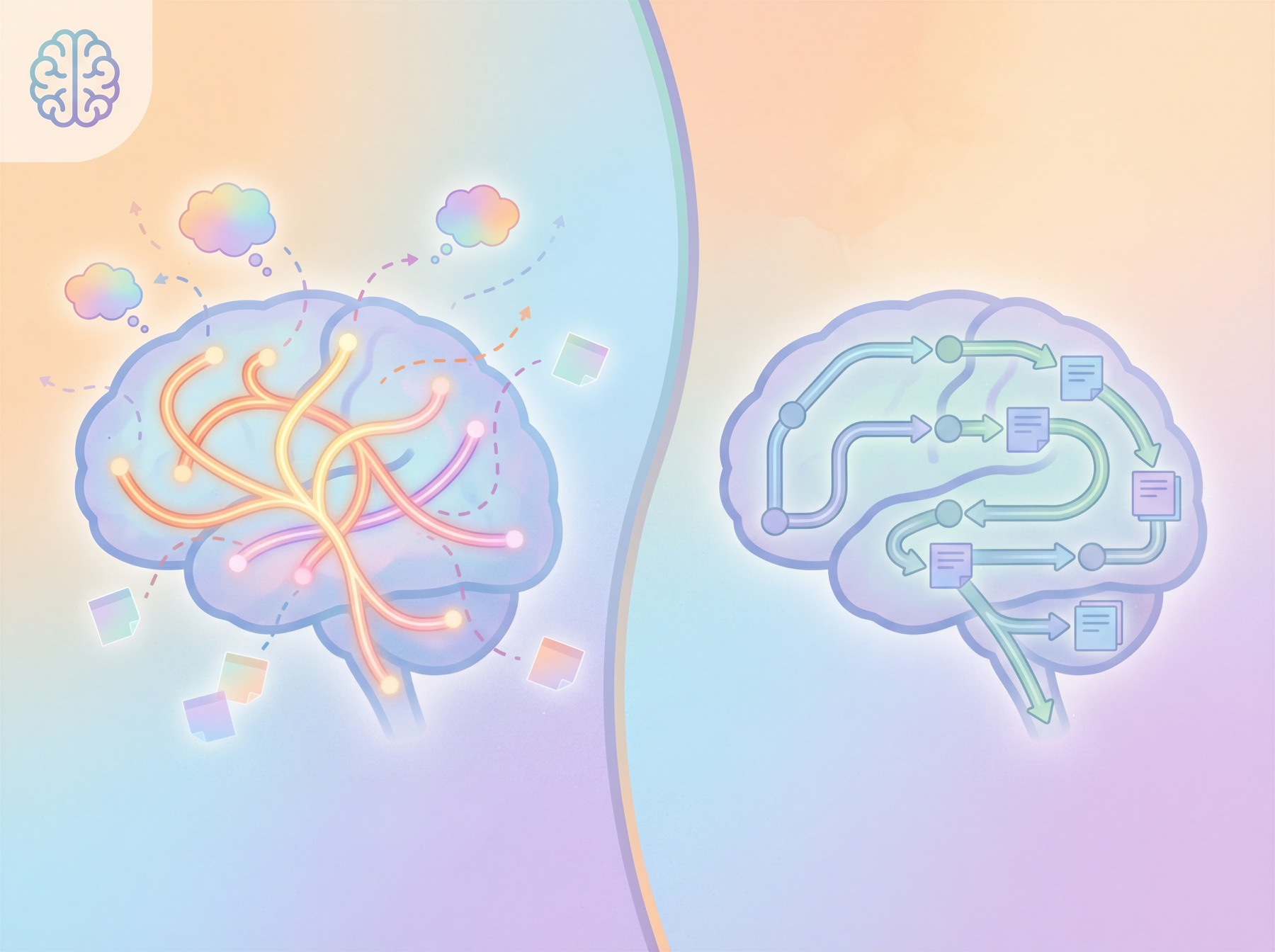
Let’s get one thing straight: having ADHD does not mean you’re lazy or irresponsible. The challenges with organization and planning stem from how your brain processes and encodes information differently.
The Executive Function Connection
People with ADHD often struggle with executive function — the cognitive processes responsible for planning, organizing, prioritizing, and following through on tasks. This affects everything from remembering where you put your keys to completing multi-step projects.
When executive function is impaired:
- You might start cleaning one room, get distracted, and leave both tasks incomplete
- Small messes quickly snowball into overwhelming clutter
- Time feels slippery and hard to manage (hello, time blindness!)
Why Regular Planners Fail
Standard planners assume you can:
- Remember to check them regularly
- Follow through on written tasks without reminders
- Stay focused on one thing at a time
- Naturally prioritize and organize
For ADHD brains, these assumptions don’t hold. That’s why you might have a drawer full of barely-used planners — each one started with enthusiasm and abandoned within weeks.
The “Second Brain” Concept
An effective ADHD planner works as an external brain — it holds information so you don’t have to. Instead of relying on memory (which ADHD makes unreliable), you offload tasks, deadlines, and ideas onto a system you can actually trust.
The key is finding a planner designed with ADHD challenges in mind: one that provides structure without overwhelming, flexibility without chaos, and visual cues that keep important things front and center.
Chapter 2: Benefits of Using an ADHD Planner
Are you wondering if ADHD planners actually work? When used consistently, they can transform how you manage daily life. Here’s what a well-designed ADHD planner offers:

Timely Reminders
Writing down deadlines, appointments, and pending tasks ensures you actually get to them. The physical act of writing (or typing) creates a record you can reference — no more relying on a memory that’s already juggling too much.
Better Time Management
With tasks and deadlines laid out visually, it becomes easier to:
- Prioritize based on urgency and importance
- Time-block your day or week
- Estimate how long tasks actually take (combating time blindness)
Time-blocking involves breaking your day into dedicated chunks — 9-10am for emails, 10-11am for focused work, etc. This structure helps ADHD brains transition between tasks more smoothly.
Clearer Goals
A planner lets you:
- Write down big goals
- Break them into smaller, actionable steps
- Set mini-deadlines for each sub-goal
- Track progress visually
When goals feel achievable, motivation follows.
Increased Motivation
Planning out and breaking down your goals gives you a clearer sense of direction. Big projects seem more doable when they’re chunked into smaller pieces. This can help boost motivation and break through ADHD paralysis — that frozen feeling when everything seems too overwhelming to start.
Reduced Stress
Having your to-do list, schedule, and deadlines in one place reduces the mental load of trying to remember everything. Less cognitive burden = less anxiety about forgetting important things.
Chapter 3: Physical vs Digital: Which Is Right for You?
There’s no one-size-fits-all answer. The best planner is the one you’ll actually use. Let’s compare your options:
Physical Planners
Pros:
- ✅ Tactile experience — writing by hand can improve memory retention
- ✅ No screen distractions or notifications
- ✅ Feels more “real” and tangible
- ✅ No battery or internet required
- ✅ Can be customized with stickers, colors, and doodles
Cons:
- ❌ Can get lost or damaged
- ❌ Harder to rearrange or edit
- ❌ Takes up physical space
- ❌ No automatic reminders
Popular Physical Planners:
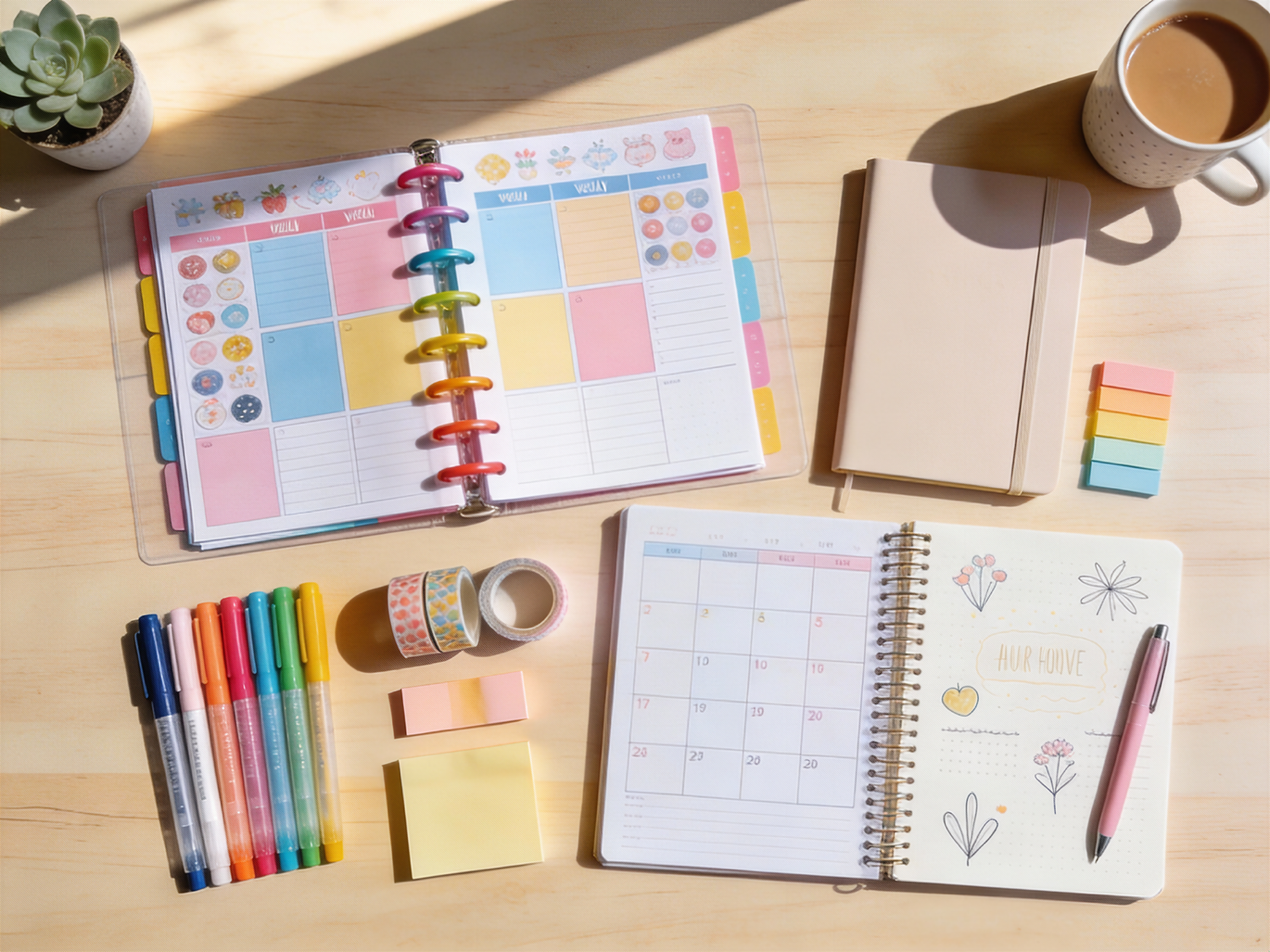
- Happy Planner — Customizable disc-bound system
- Planner Pad — Unique funnel-down organization method
- Rocketbook — Reusable smart notebook that syncs to cloud
- Legend Planner — Comprehensive goal-setting focus
- Panda Planner — Emphasis on gratitude and reflection
Digital Planners
Pros:
- ✅ Always with you (on your phone)
- ✅ Automatic reminders and notifications
- ✅ Easy to edit, rearrange, and search
- ✅ Can sync across devices
- ✅ Often free or low-cost
Cons:
- ❌ Requires device and sometimes internet
- ❌ Screen time can be distracting
- ❌ Less tactile satisfaction
- ❌ Can feel overwhelming with too many features
Popular Digital Tools:
Notion— Highly customizable, great for building your own systemClickUp— Powerful task management with multiple viewsGoogle Calendar— Simple, free, integrates with everythingTodoist— Clean, focused task management
The Hybrid Approach
Many ADHD adults find success combining both:
- Physical planner for daily tasks and brain dumps
- Digital calendar for appointments and reminders
Experiment to find what clicks for your brain. And remember: it’s okay to switch systems if something isn’t working.
Chapter 4: Top ADHD Planner Features to Look For
Not all planners are created equal. Here are the features that make a planner truly ADHD-friendly:
1. Calendar View
A clear calendar lets you visualize deadlines, appointments, and events at a glance. Monthly and weekly views both have their place.
2. Daily Timeline
A 24-hour timeline helps you time-block your day. Seeing your schedule visually combats time blindness and helps with realistic planning.
3. Goals Section
Space for daily, weekly, and monthly goals. The best planners encourage you to break big goals into smaller, actionable steps.
4. To-Do List with Checkboxes
There’s something deeply satisfying about checking off completed tasks. Look for planners with clear, easy-to-use task lists.
5. Brain Dump Section
A dedicated space to capture random thoughts, ideas, and distractions. This lets you acknowledge the thought and return to it later without derailing your current focus.
6. “Don’t Forget This” Section
A high-visibility area for urgent tasks with approaching deadlines. Some planners call this a “priority zone” or “hot list.”
7. Mood/Energy Tracker
Recording your mood, focus, and energy levels helps you spot patterns and plan around your natural rhythms.
8. Habit Tracker
If you’re building new habits — exercise, medication, hydration — a visual tracker provides accountability and dopamine hits from marking progress.
9. Reward System
Some ADHD planners include space to note rewards for completing tasks. This gamification taps into the ADHD brain’s need for immediate feedback.
10. Minimal Overwhelm
Perhaps most importantly: the planner shouldn’t be so complex that filling it out becomes another dreaded task. Simplicity wins.
Chapter 5: Best ADHD Planners Reviewed
Based on community feedback and expert recommendations, here are the top planners for ADHD brains:
Physical Planners
Legend Planner — Best for Goal-Setters
Grade: A+
The Legend Planner dedicates its first 18 pages entirely to self-discovery, vision, and long-term goals. One page asks you to “write down 50 dreams in all areas of your life.” It includes:
- Quarterly goal-setting sections
- Weekly reflection pages
- Daily planning with structured fields
- Space for identifying positive and negative influences
Best for: People who want comprehensive life planning, not just task management.
Panda Planner — Best for Emotional Balance
Grade: A
The Panda Planner stands out for its focus on mental health. Daily pages include prompts like “I’m Grateful for” and “I’m Excited about” — powerful tools for managing the emotional rollercoaster that often accompanies ADHD.
Best for: Those who need emotional check-ins alongside task planning.
Clever Fox Planner — Best Budget Option
Similar to Legend Planner but at a lower price point. Includes goal-setting, habit tracking, and weekly planning without the premium cost.
Best for: Those wanting quality features without the investment.
Digital Tools
Notion — Most Customizable
Build exactly the system you need. Templates abound for ADHD-specific setups, and you can modify everything to match how your brain works.
ClickUp — Most Powerful
Robust task management with multiple views (list, board, calendar, timeline). Great for those who need serious project management capabilities.
Google Calendar — Simplest Start
Free, intuitive, and syncs everywhere. Perfect for those who just need appointments and reminders without complexity.
💡 Pro Tip: If you’re looking for a specialized tool to manage household tasks,
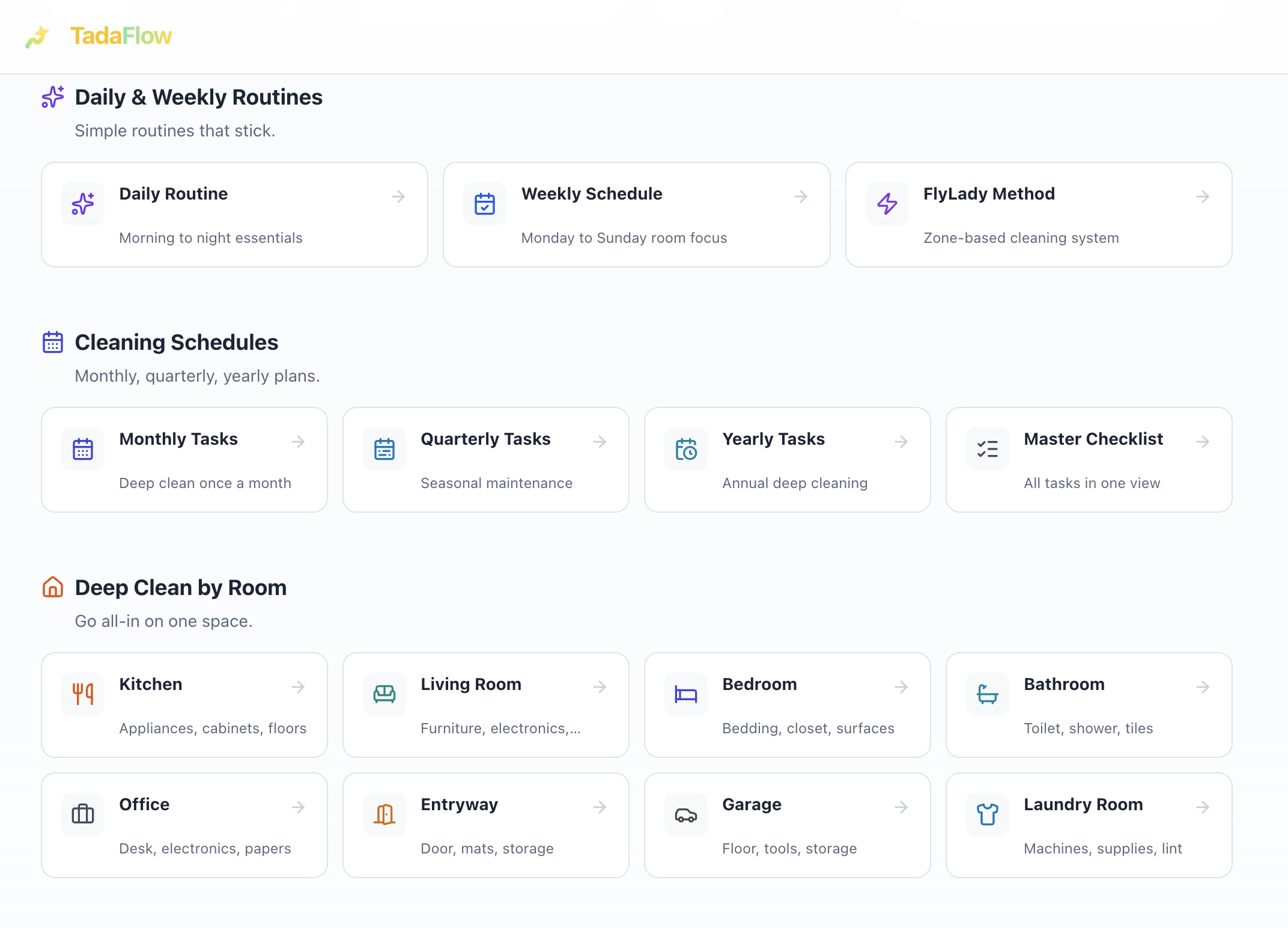
TadaFlowis designed specifically for ADHD brains. It transforms overwhelming cleaning routines into simple, actionable steps — perfect for complementing your daily planner. Check out our ADHD cleaning checklist for room-by-room guidance.
Chapter 6: How to Create Your Own ADHD Planner
Can’t find the perfect planner? Create your own! Many ADHD adults find that DIY systems work best because they’re tailored to individual needs.
Start Simple
The biggest mistake is overcomplicating from day one. Begin with just a few essential elements:
- A basic calendar
- A daily to-do list
- A brain dump section
You can always add more later.
Choose Your Medium
Options include:
- Blank notebook
- Bullet journal
- Loose-leaf binder (allows rearranging)
- Printable templates
- Digital tools like
NotionorGoogle Docs
Essential Elements to Include
- Calendar — Monthly view for big-picture planning
- Weekly Spread — See your week at a glance
- Daily Page — Time-blocked schedule + task list
- Goals — What are you working toward?
- Brain Dump — Capture random thoughts
- Habit Tracker — Visual progress on recurring tasks
Customize for Your Brain
The beauty of DIY is personalization:
- Use colors that energize you
- Add stickers or doodles if that motivates you
- Create sections for specific life areas (work, home, health)
- Include reward systems that actually excite you
What the ADHD Community Says
2025 Planner for ADHD
byu/Embarrassed_Visit834 inPlannerAddicts
Key insights from the community:
- Don’t overcomplicate — Complex “ADHD planners” can create pressure and lead to abandonment
- Try cheap first — Use inexpensive notebooks to test layouts before investing
- Flexibility matters — Loose-leaf systems let you adjust as needs change
- It’s okay to skip days — Guilt-free gaps are part of the ADHD experience
Chapter 7: Tips to Actually Use Your Planner
Having a planner is one thing. Actually using it is another. Here’s how to make it stick:
1. Create a Daily Check-In Ritual
Pick a consistent time — morning coffee, lunch break, or before bed — to review and update your planner. Consistency builds habit.
2. Keep It Visible
“Out of sight, out of mind” applies to planners too. Keep yours:
- On your desk (not in a drawer)
- Open to the current page
- Near where you spend the most time
3. Start Small
Don’t try to use every feature immediately. Master one element (like the daily to-do list) before adding more.
4. Set Phone Reminders
Use your phone to remind you to check your planner. Yes, it’s meta — but it works.
5. Reward Yourself
Completed your tasks? Celebrate! The ADHD brain thrives on immediate rewards. Build in small treats for hitting milestones.
6. Accept Imperfection
You will miss days. Pages will stay blank. That’s okay. The goal isn’t perfection — it’s progress. Pick up where you left off without guilt.
7. Adjust Regularly
What works in January might not work in June. Regularly evaluate:
- What’s helping?
- What’s being ignored?
- What needs to change?
I have seen so many "ADHD planners" that just DON'T HELP. What are some things/features YOU would love to see incorporated that would *actually benefit you*?
byu/ragingsasshole inadhdwomen
🛠️ Tool Recommendation: Struggling with household tasks specifically?
TadaFlowworks alongside your daily planner to break cleaning into ADHD-friendly chunks. No more overwhelm when facing a messy house. Pair it with a weekly cleaning schedule for best results.
Chapter 8: Common Mistakes to Avoid
Learn from others’ experiences. Here are the pitfalls to watch for:
1. Choosing Overly Complex Systems
More features ≠ better results. If filling out your planner feels like homework, you’ll abandon it. Start simple.
2. Expecting a “Cure”
A planner is a tool, not a treatment. It works best alongside:
- Life coaching or therapy
- Medication (if prescribed)
- Self-awareness practices
- Support systems
3. Buying Too Many Planners
The “perfect planner” doesn’t exist. Resist the urge to keep buying new ones hoping the next will be “the one.” Commit to testing one system for at least 2-3 months.
4. Being Too Hard on Yourself
Missed a week? Don’t spiral into shame. ADHD brains struggle with consistency — that’s literally the challenge you’re trying to address. Self-compassion is essential.
5. Ignoring Your Preferences
If you hate writing by hand, a paper planner won’t work. If screens distract you, digital might not be ideal. Honor how YOUR brain works.
6. Not Pairing with Reminders
A planner sitting closed in your bag helps no one. Use external cues — phone alarms, sticky notes, visual placement — to prompt engagement.
Frequently Asked Questions
Do ADHD planners actually work?
Yes — when matched to your needs and used consistently. They won’t “fix” ADHD, but they provide external structure that compensates for executive function challenges. The key is finding a system simple enough to maintain.
Physical or digital: which is better for ADHD?
Neither is universally better. Physical planners offer tactile engagement and fewer distractions. Digital planners provide reminders and portability. Many people use both. Experiment to find your fit.
How long should I try a planner before switching?
Give any system at least 4-6 weeks of genuine effort. It takes time to build habits. However, if something feels fundamentally wrong after 2 weeks, trust your instincts.
What if I keep forgetting to use my planner?
- Set phone reminders to check it
- Keep it physically visible
- Pair planner time with an existing habit (morning coffee, lunch)
- Start with just one daily check-in
Are there free ADHD planner options?
Absolutely! Google Calendar is free. Notion has a generous free tier. Printable templates abound online. You can also create a simple system in any notebook.
Can kids use ADHD planners?
Yes, with age-appropriate modifications. Simpler layouts, more visual elements, and parent involvement help. Academic planners can be enhanced with ADHD-friendly features like reward stickers and brain dump sections.
Conclusion: Find What Works for YOU
The best ADHD planner isn’t the most expensive or feature-rich — it’s the one you’ll actually use. Remember:
- Start simple and add complexity only as needed
- Experiment with physical, digital, or hybrid approaches
- Be patient with yourself during the learning curve
- Adjust regularly as your needs evolve
- Celebrate progress, not perfection
Your ADHD brain works differently — and that’s okay. The right planning system doesn’t fight against your neurology; it works with it.
Ready to extend this organization to your home environment? An ADHD chore chart can bring the same structure to household tasks.
Ready to Transform Chaos Into Clarity?
TadaFlowis the ultimate ADHD cleaning planner designed for neurodivergent minds. Turn overwhelming housework into simple, actionable routines that actually stick.✨ Structure AND flexibility
✨ No decision fatigue
✨ Designed for how your brain actually works